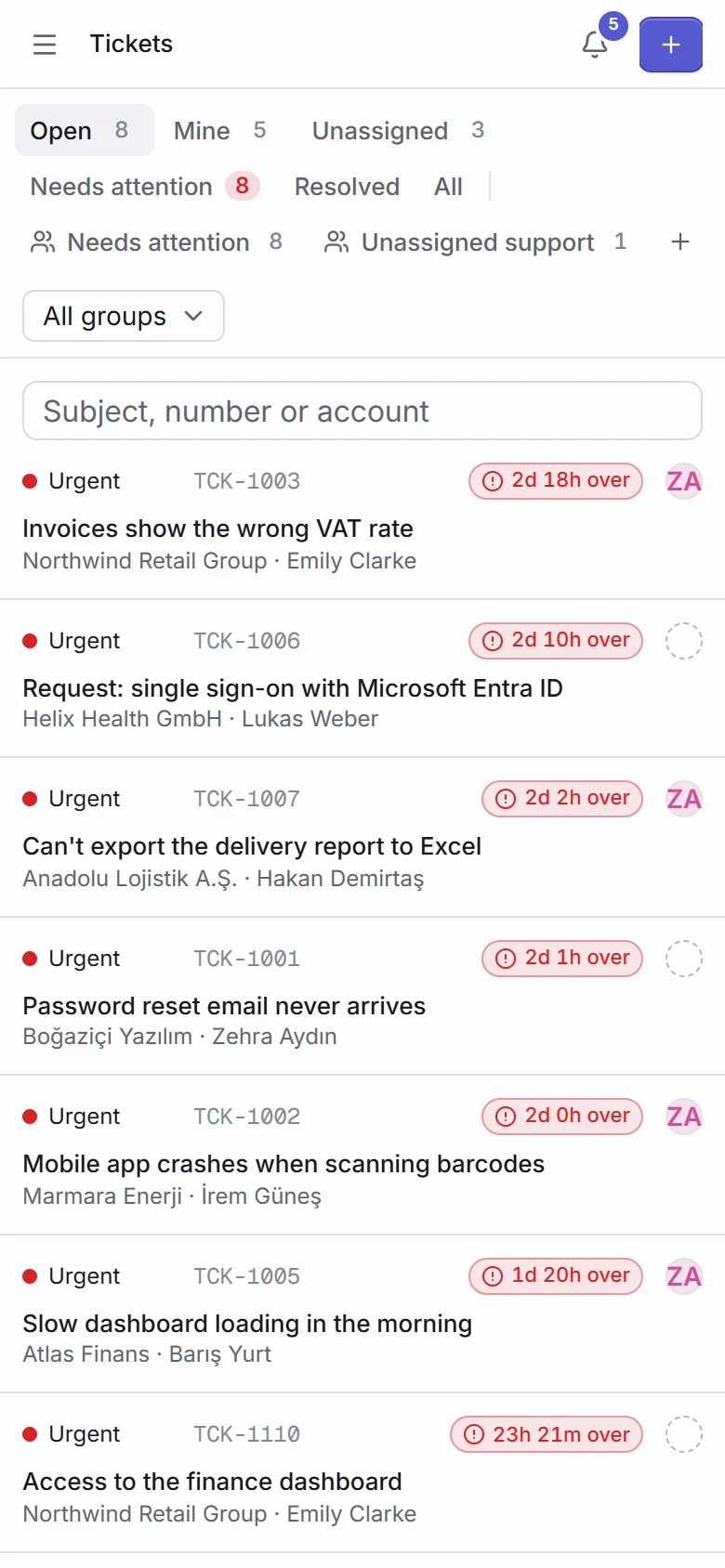
Run sales, delivery and support from one place your whole company trusts
TaskBadger brings your pipeline, sprints, tickets, docs and people together, with access rules down to every field, so everyone sees exactly what they should.
Everything a growing company runs on
Eight modules on one data model, one permission system and one search, instead of eight tools stitched together.
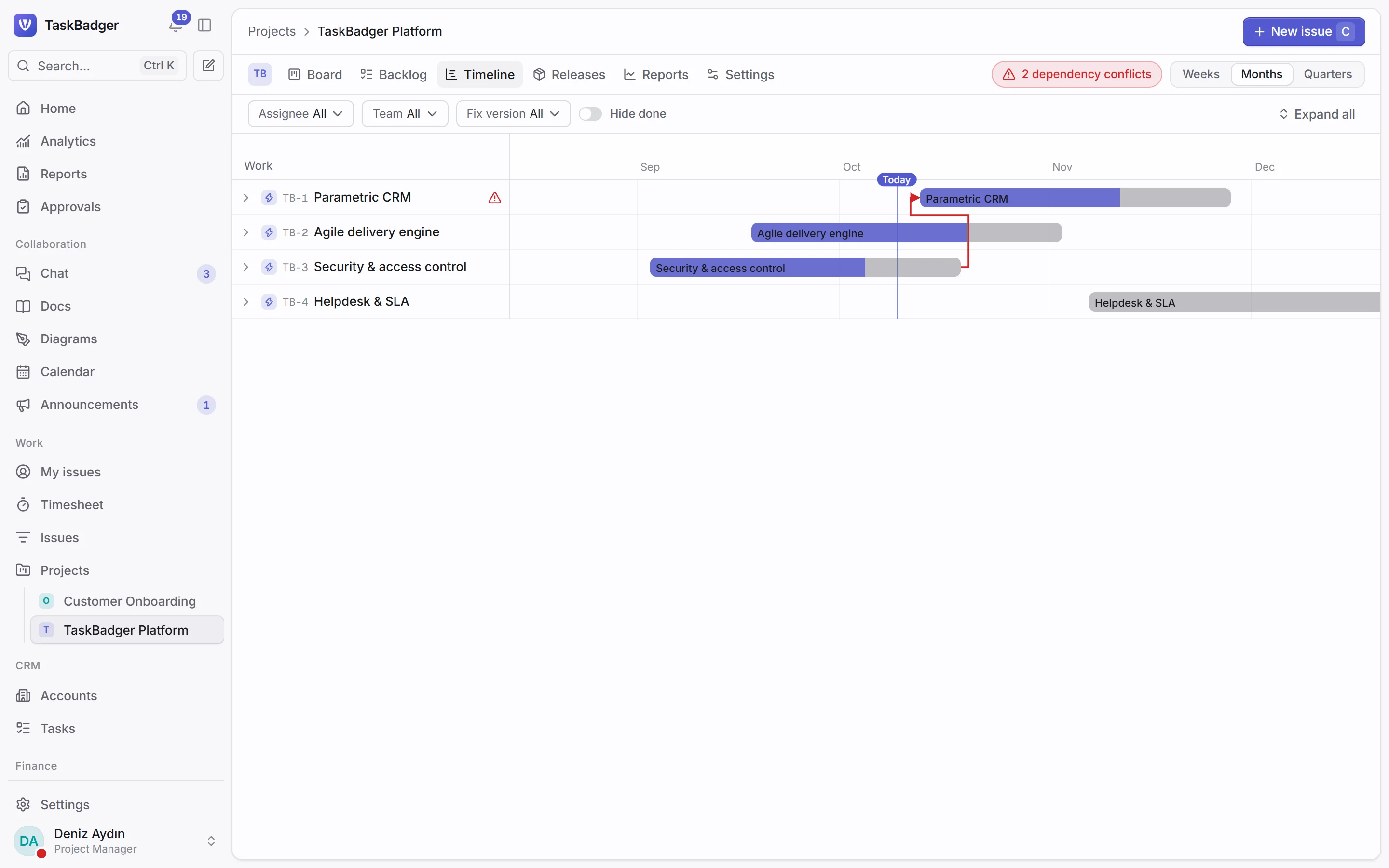
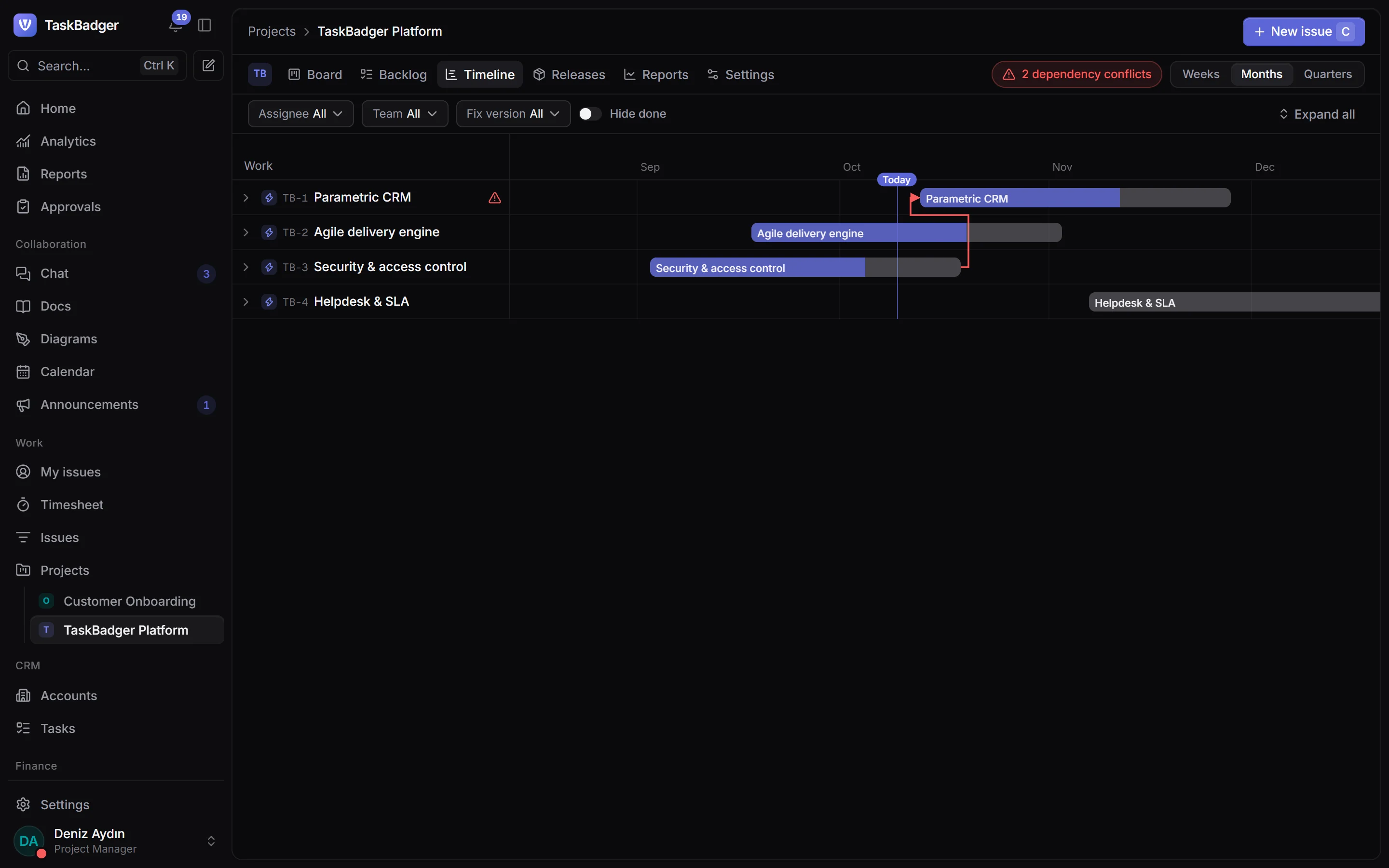
Agile work
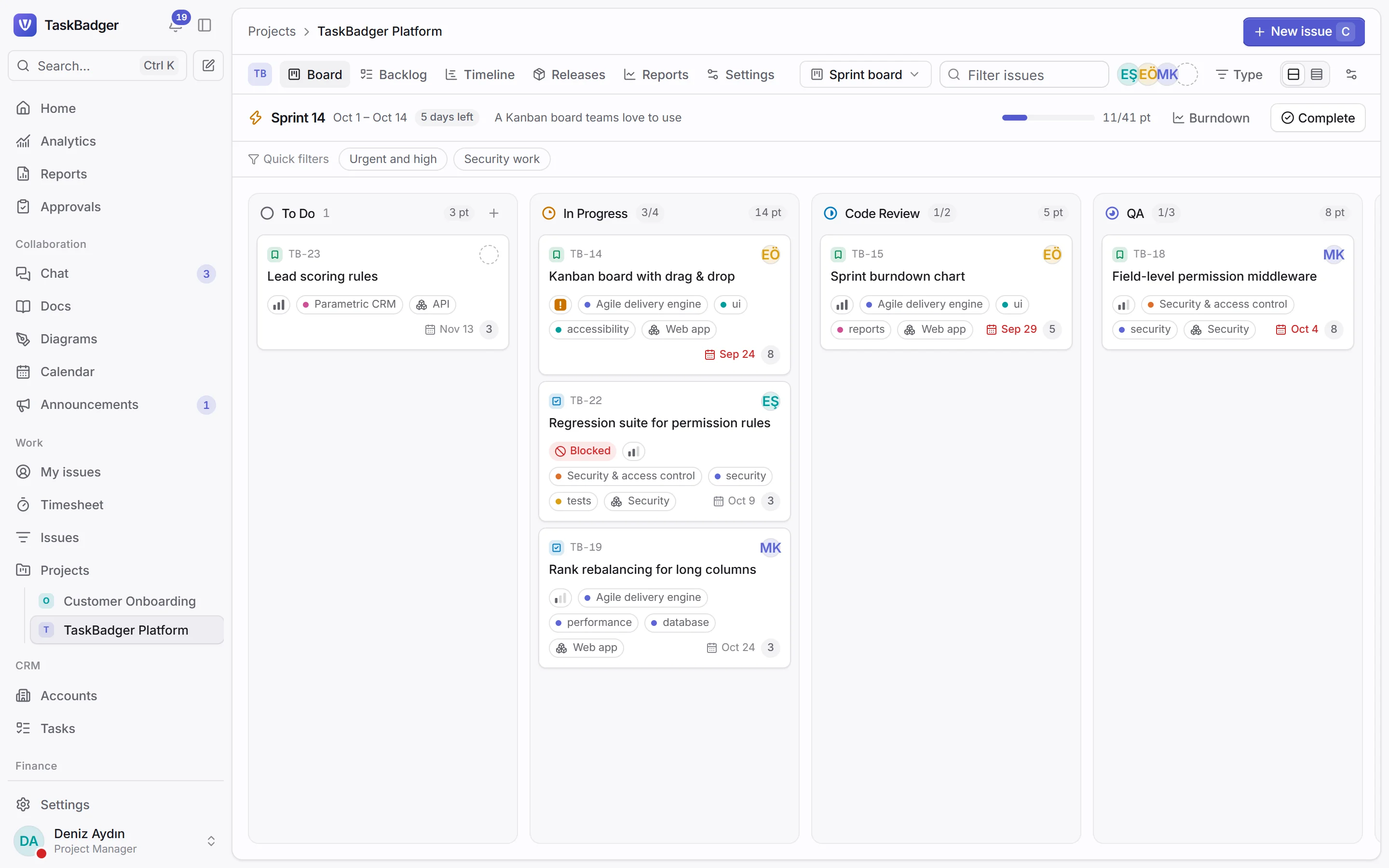
Plan the sprint, ship it, watch the burndown
Configurable workflows, drag-and-drop boards, a timeline for the big picture and time tracking that keeps the burndown honest.
- Workflows with approvals, conditions and validators
- JQL search and saved filters
- Releases, components and story points
Sales
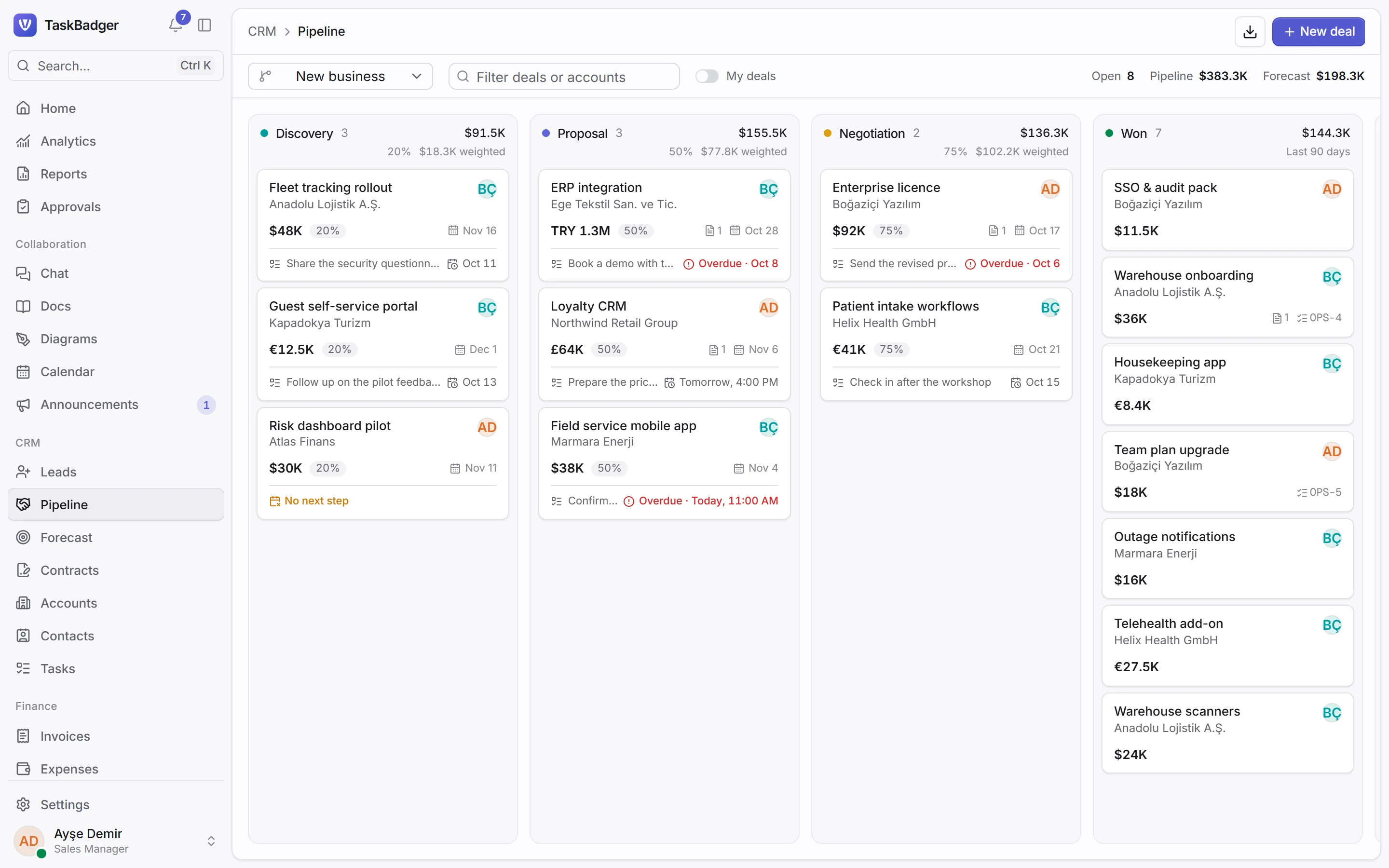
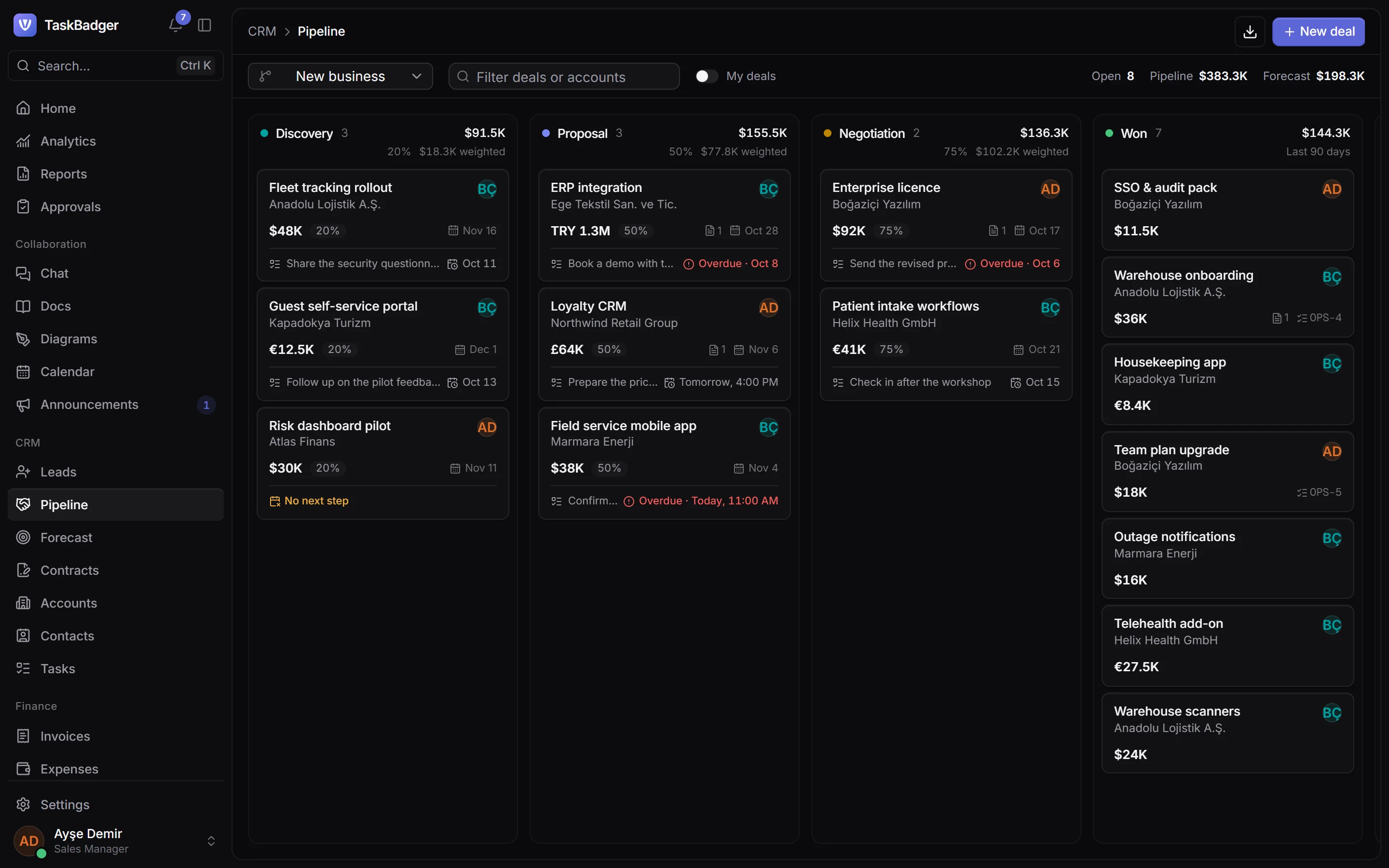
A pipeline that tells you what to do next
Score leads, move deals through your own pipelines, price them from your catalog and close with quotes your customers accept online.
- Assignment rules and duplicate checks
- Quotes with approvals and a customer link
- Forecasts, quotas and renewals
Service desk
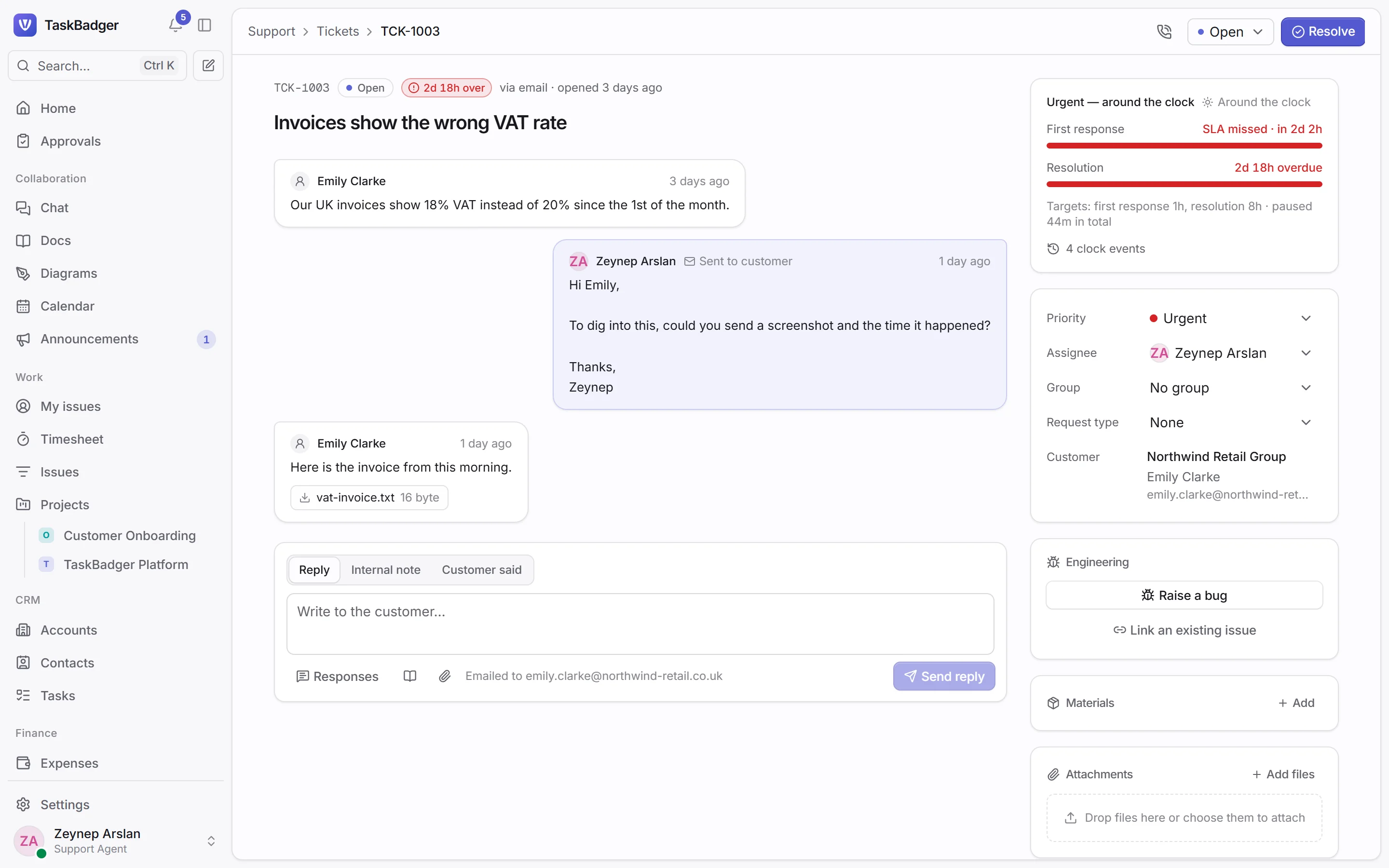
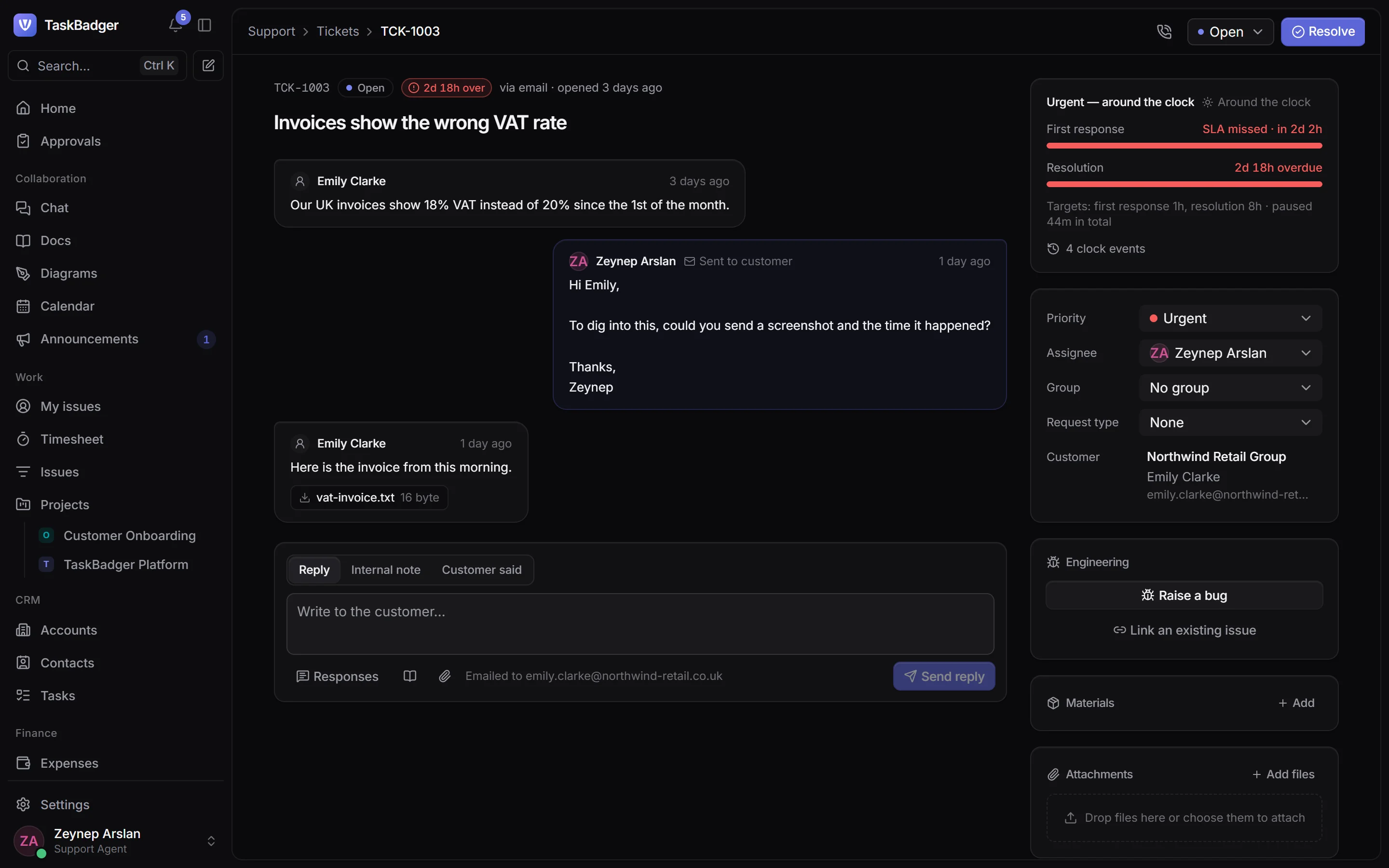
Support that keeps its promises
SLA clocks that respect working hours, queues for every team, a customer portal, and a link to the bug fix that closes the ticket.
- Email and portal intake
- SLA pauses, breach alerts and satisfaction surveys
- Bugs linked to engineering issues
Knowledge
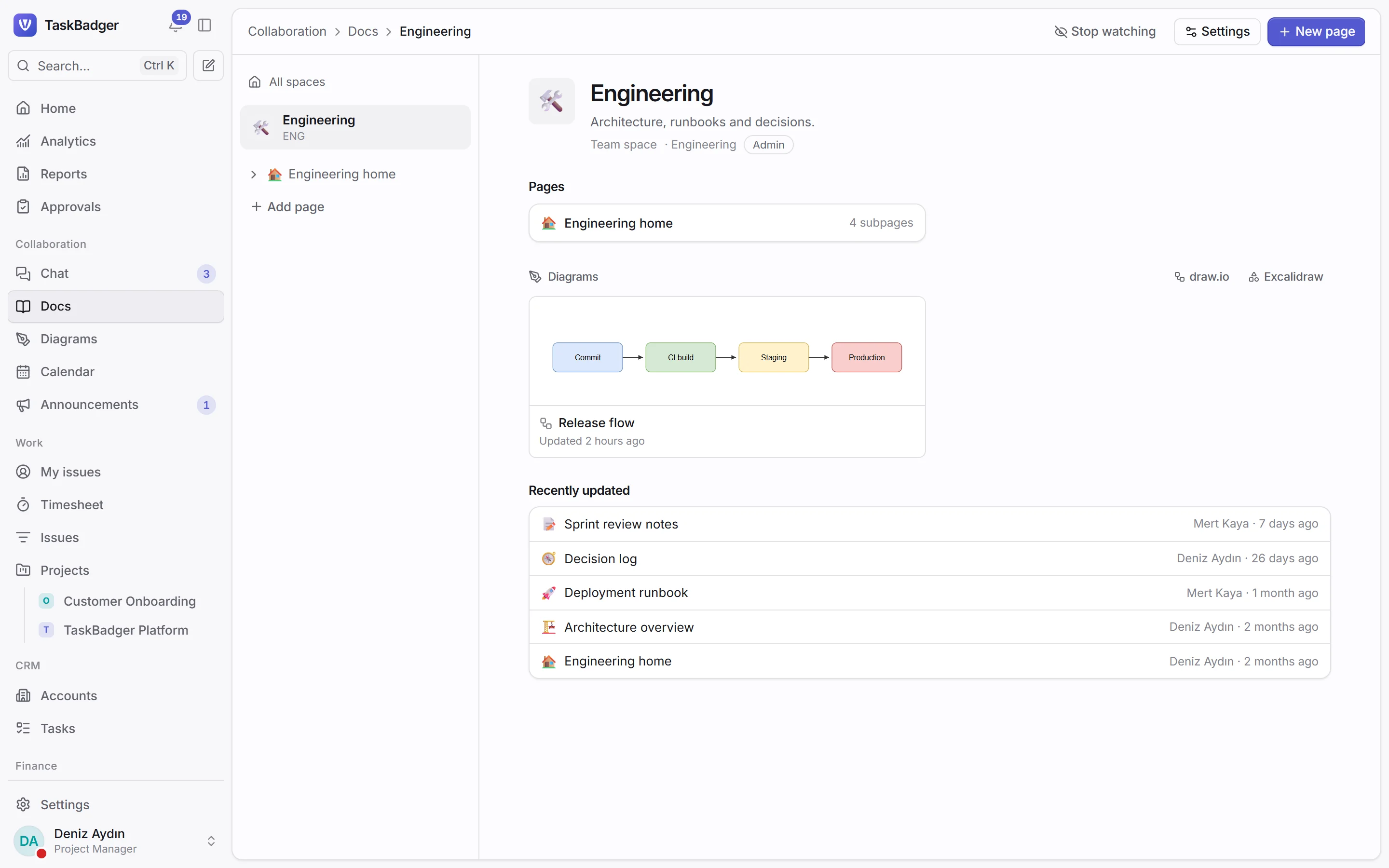
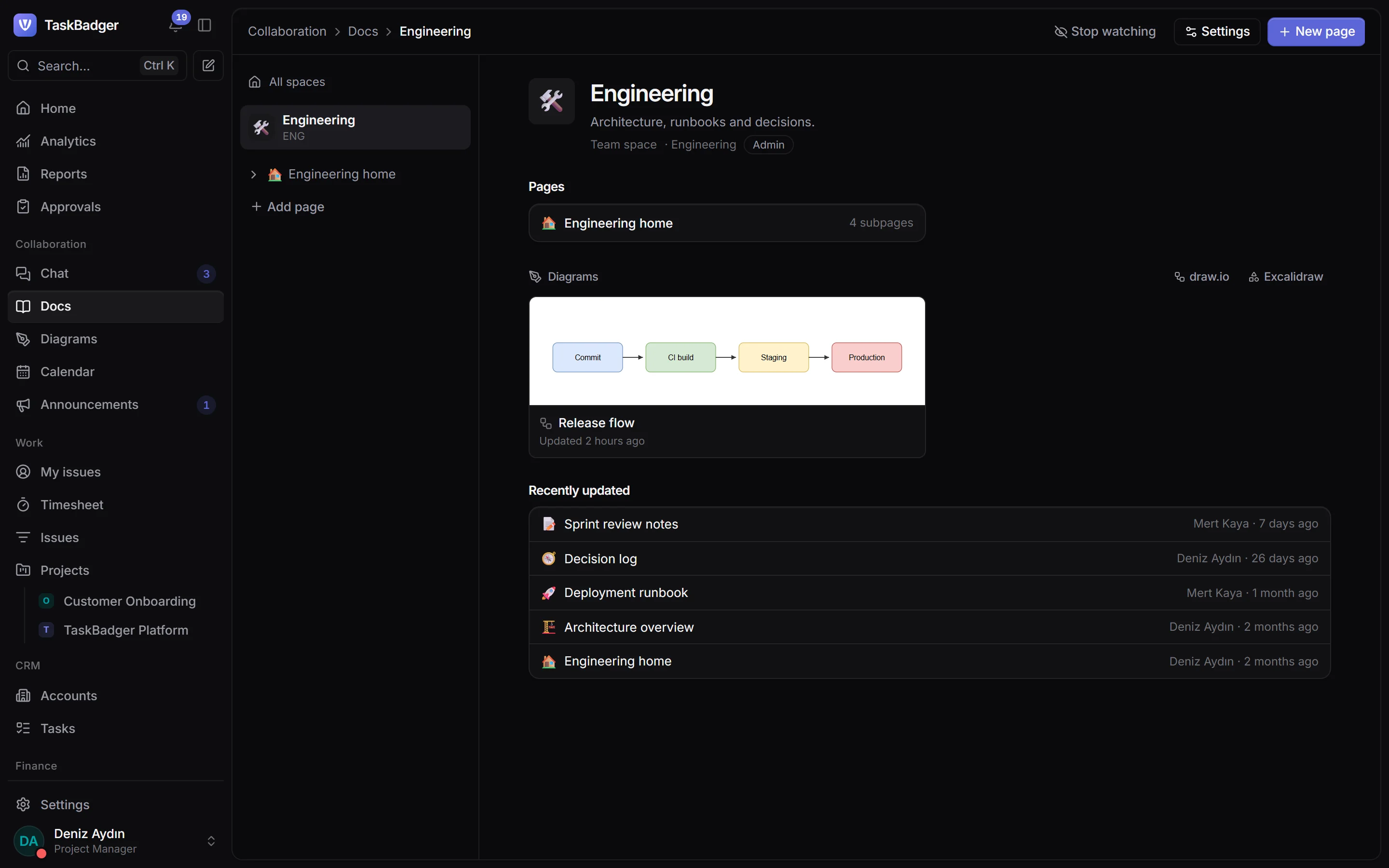
Docs, diagrams and decisions next to the work
A wiki with drafts, versions and restrictions, live embeds of issues and records, and draw.io or Excalidraw diagrams on any page.
- Spaces with roles and page restrictions
- Export to PDF and Markdown
- Diagrams that follow their page's access
Insight
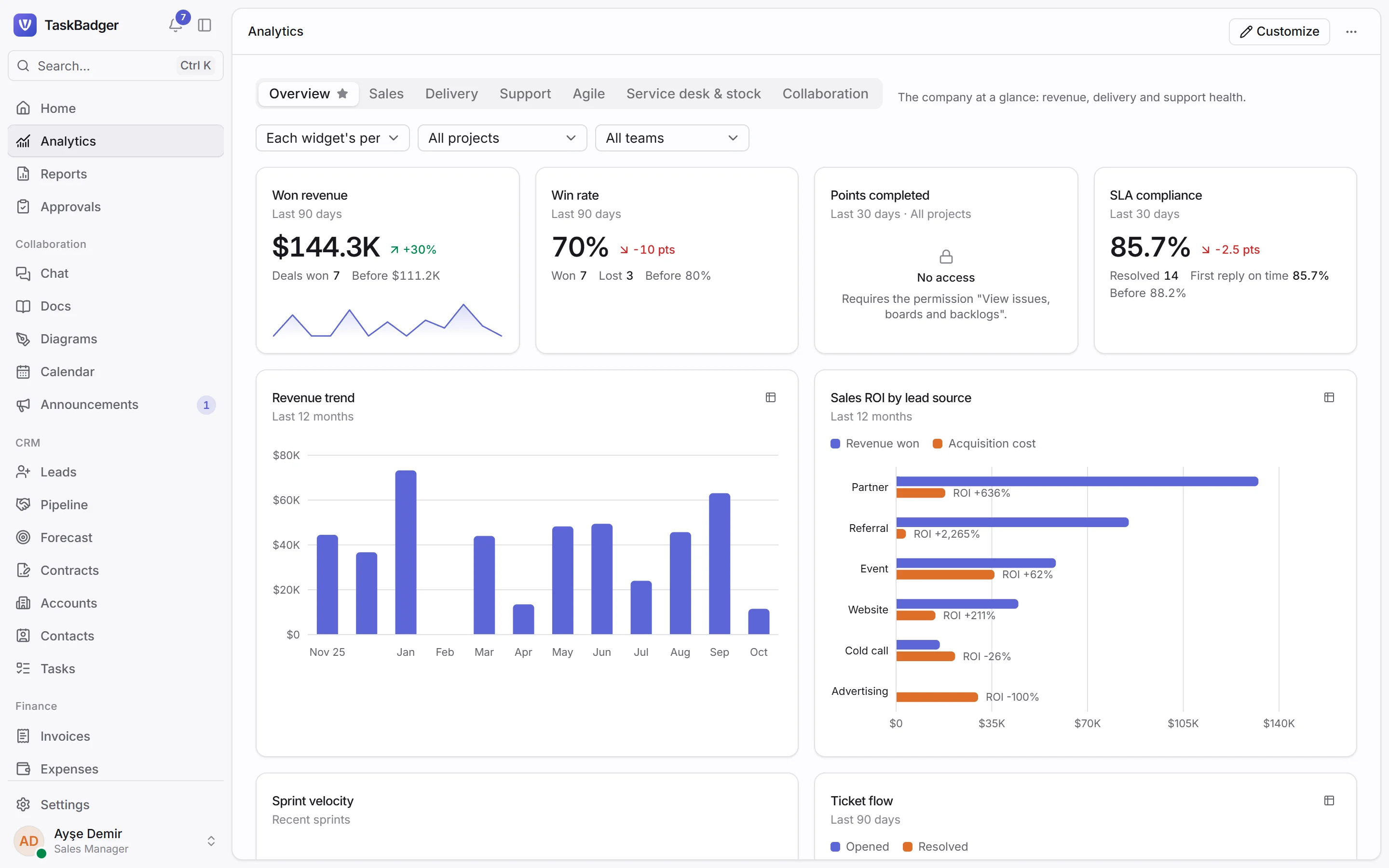
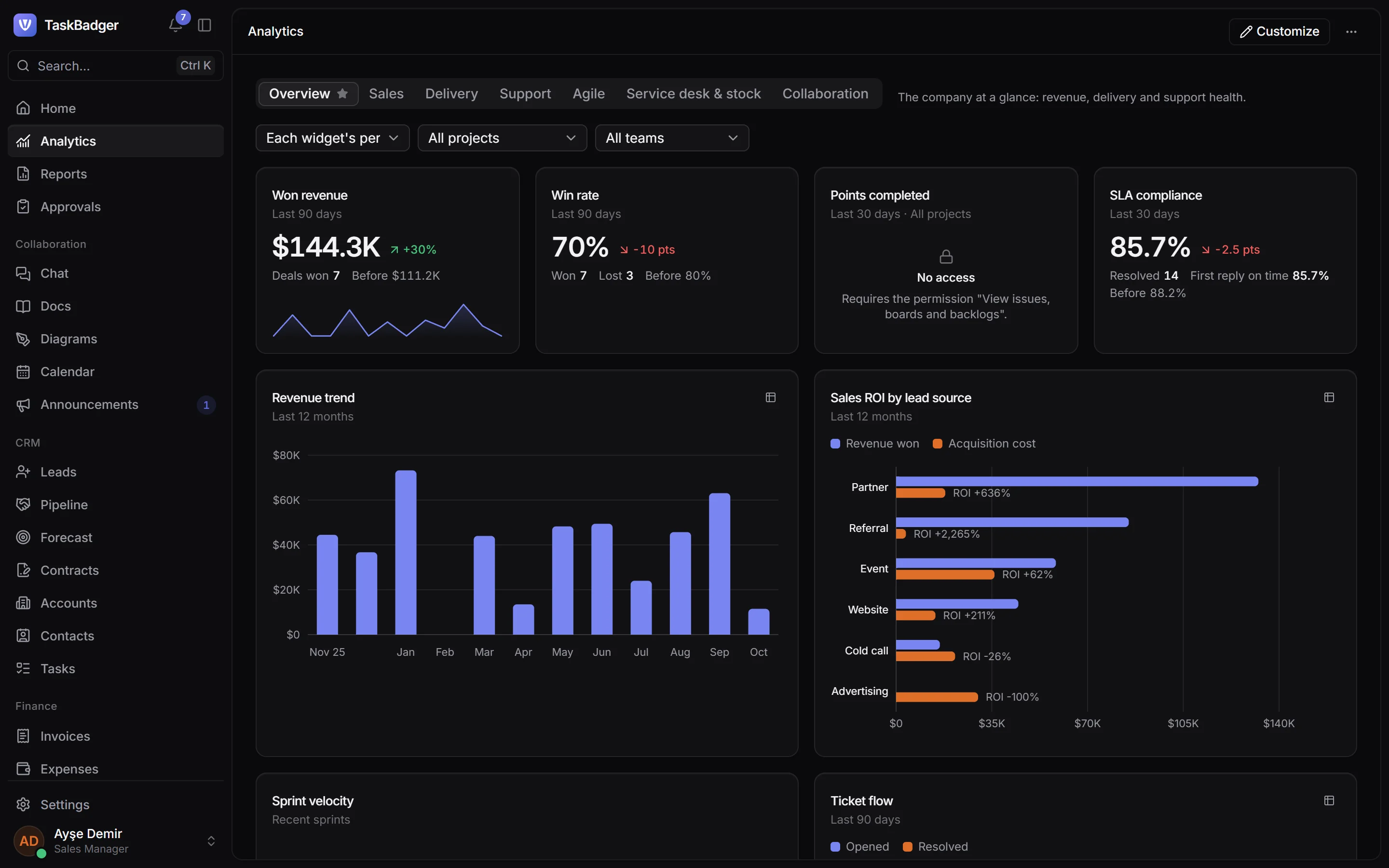
Numbers everyone can trust
Every widget counts only what the viewer may see. Build reports across modules, send them on a schedule and export to Excel or PDF.
- Revenue, velocity and SLA dashboards
- A report builder with groupings and charts
- Scheduled deliveries, checked per recipient
Team
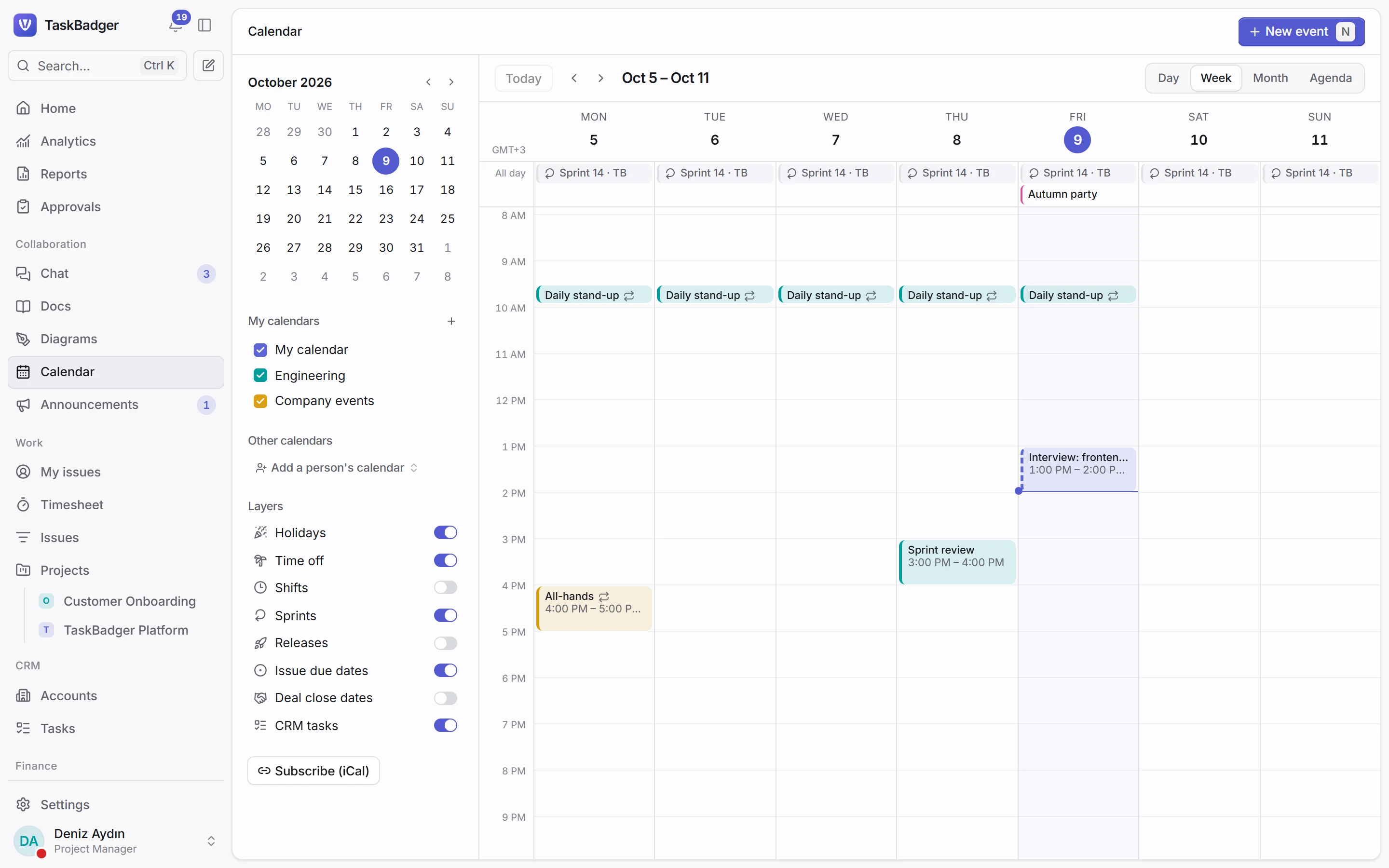
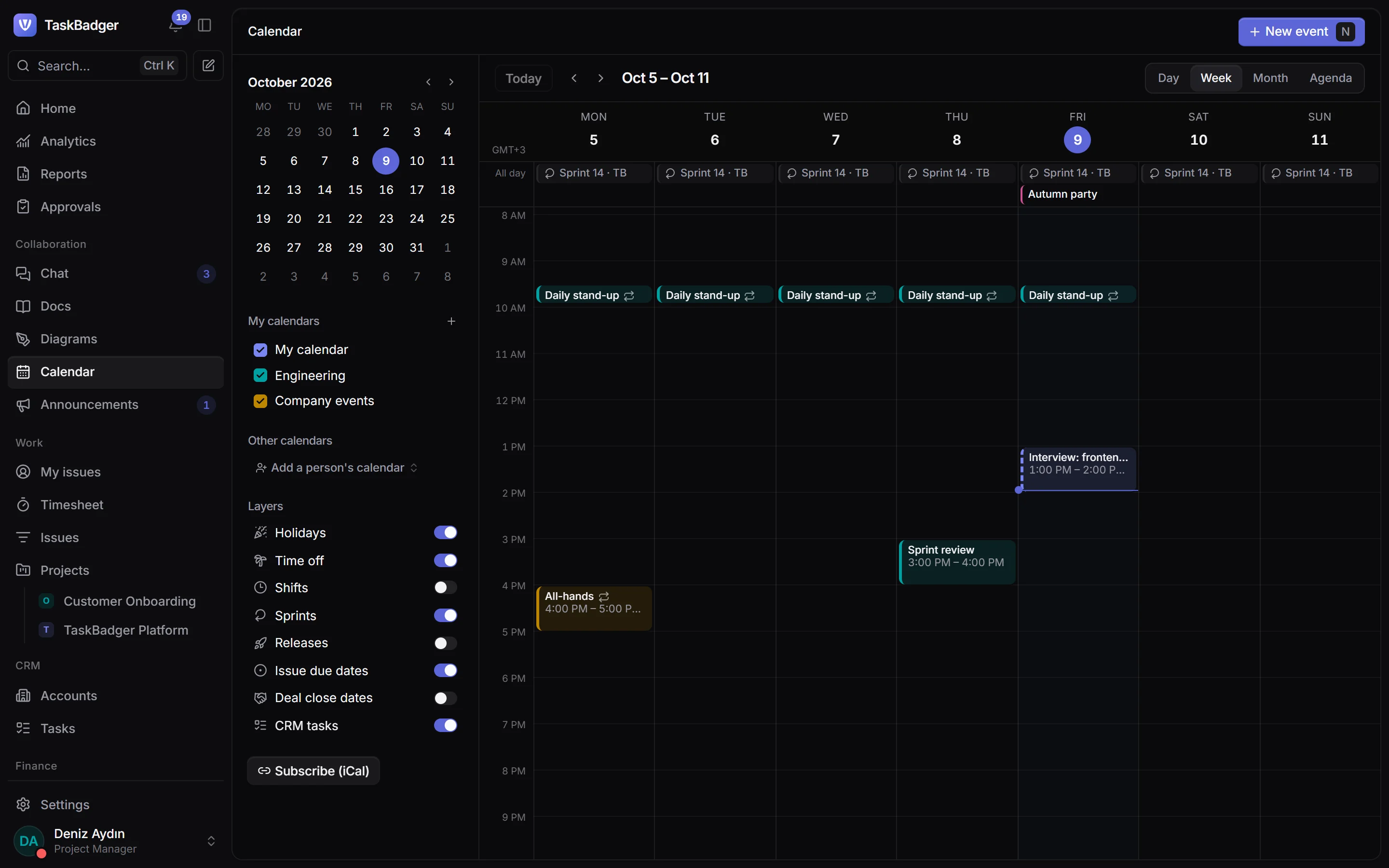
Calendars, chat and calls in the same place
Shared calendars with free/busy, booking pages for customers, channels with mentions and one-click voice or video calls.
- Leave and shifts on the calendar
- Booking pages that only show free time
- Huddles in any channel
Access control
Everyone sees exactly what they should
Permissions are not an add-on: every list, export, report, notification and search checks them on the server.
Field-level rules
Hide or lock any field per role, custom fields included.
Row-level scopes
Own records, the team, the reporting line or everything, per record type.
Delegated administration
Managers administer only the roles and people below them.
Two-factor and directory sign-in
Authenticator codes, recovery codes and Active Directory sync.
Audit trail
Every access change is recorded in an append-only log.
Approvals
Multi-step approvals on issues, quotes, expenses and more.
Anywhere
Built for the phone in your pocket
Every screen works from a small phone up: triage tickets on the train, approve leave between meetings, answer a mention from the corridor.
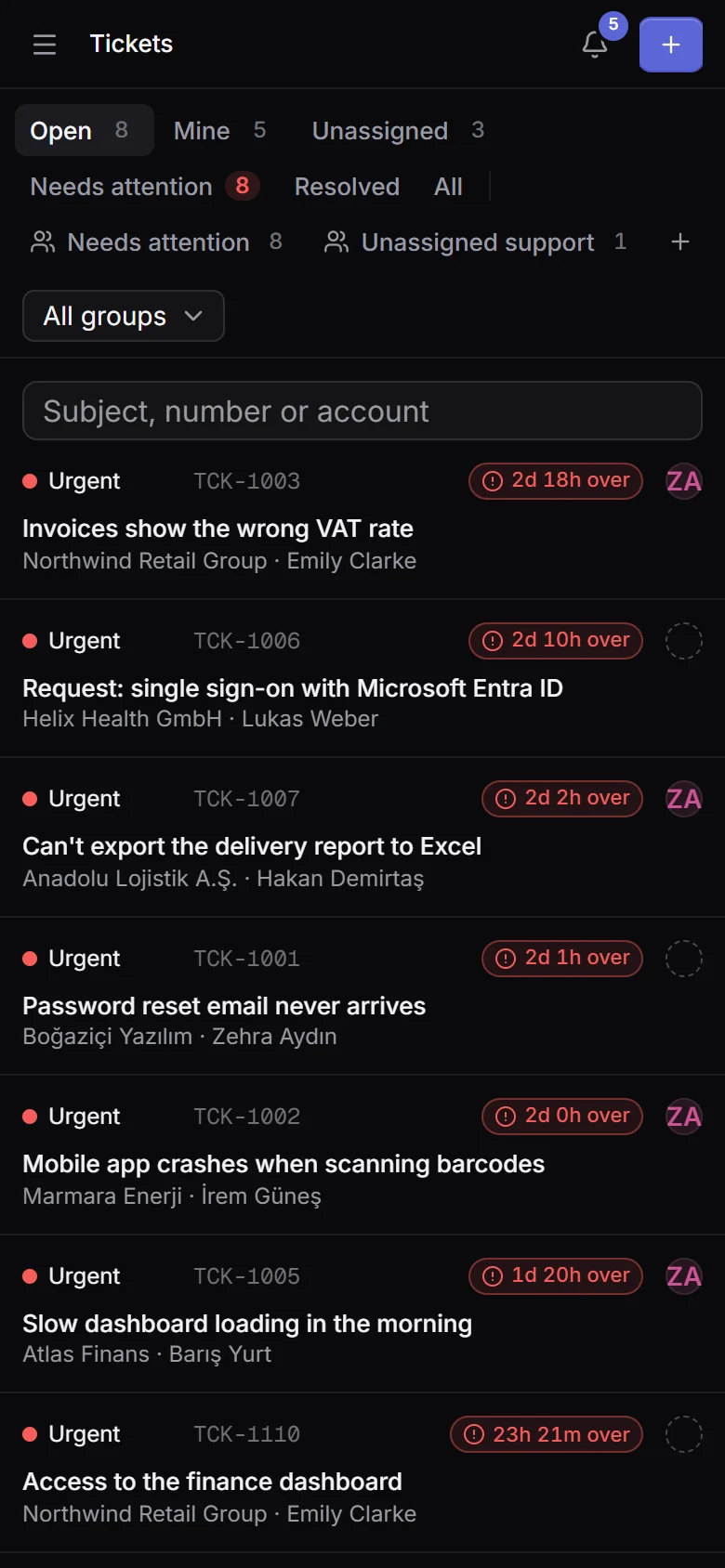
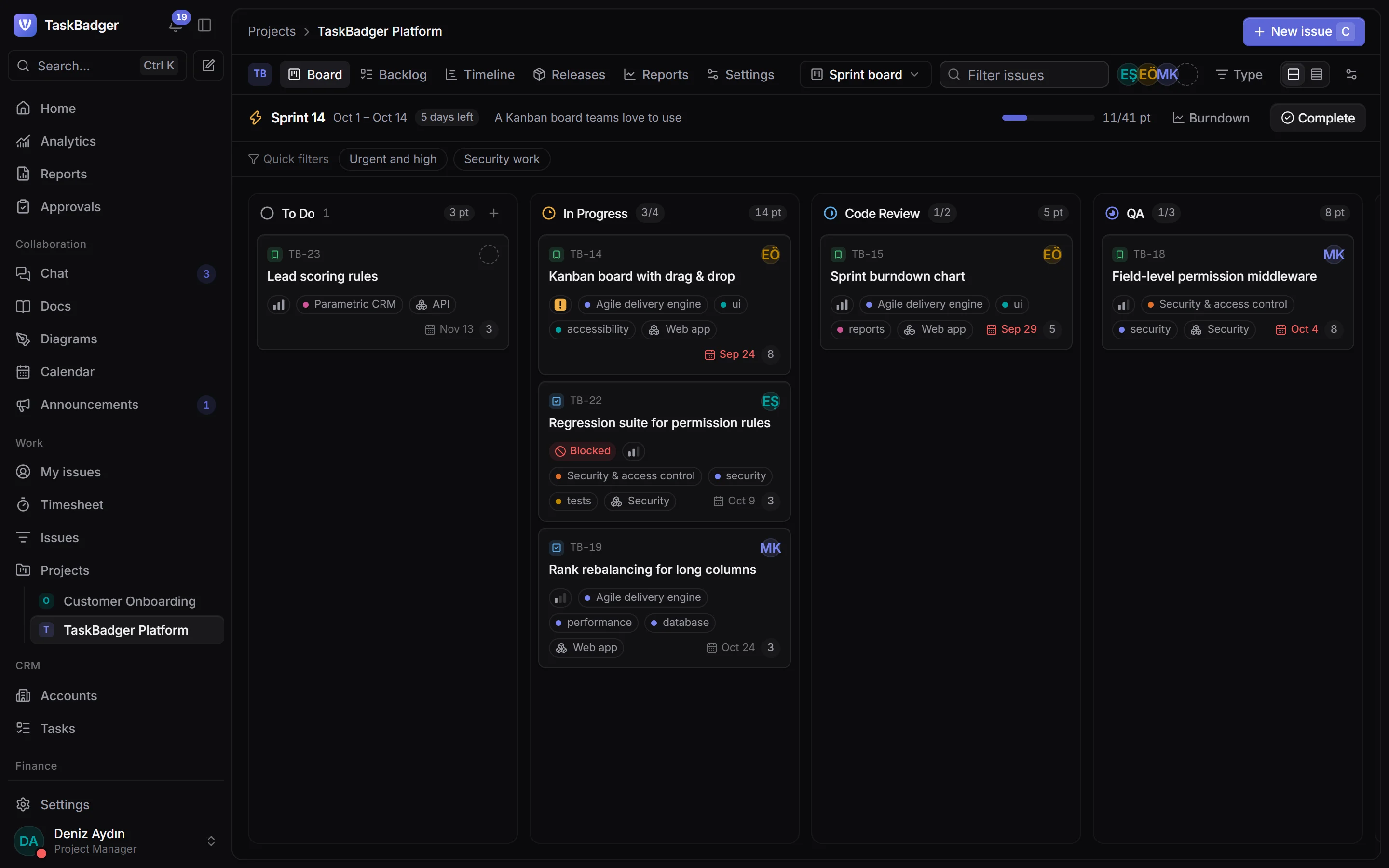
- Light and dark themes
- In your team's language
- Live updates without refreshing